Most app briefs arrive as feature lists. User-centric design starts somewhere else: with the single action that makes someone glad they downloaded your app. For a running app it's "start a run". For banking, "check my balance without anxiety". Name that loop first, because every screen either serves it or distracts from it.
1. Map the loop before the screens
Write the ideal path as five plain sentences — open, see, do, confirm, return. If a sentence needs a conjunction, the flow has a branch you haven't designed yet. This one-paragraph map becomes the test script for everything that follows.
2. Prototype the ugly version early
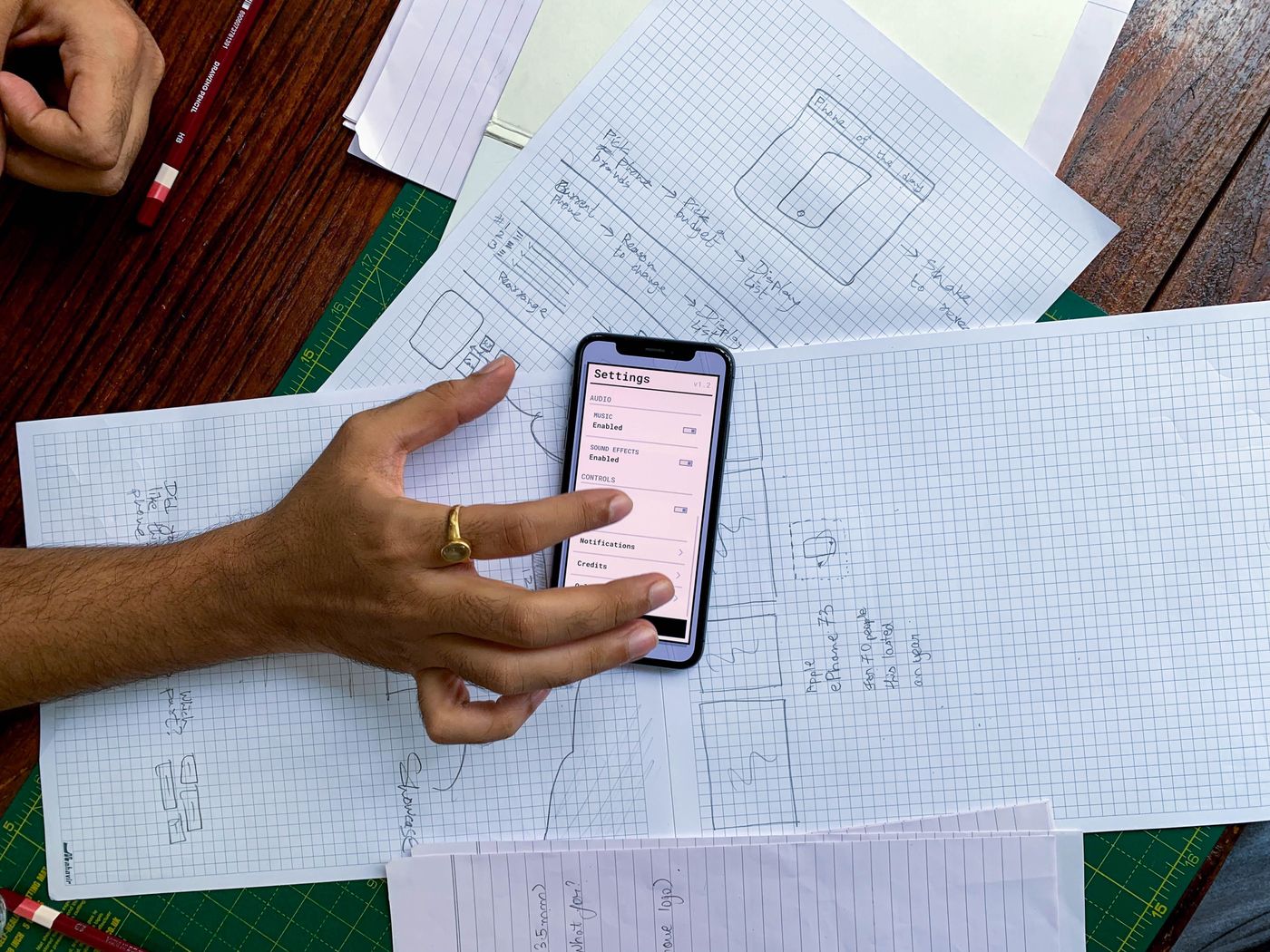
Grey boxes on a real phone beat polished mockups on a monitor. Put the rough flow in front of five users in week one and watch thumbs, not faces — hesitation, backtracking and mis-taps tell you more than opinions ever will.
"If users can't complete the core loop in a grey-box prototype, no visual design will save it."
3. Design empty, error and edge states
First-run screens, empty lists, offline modes, denied permissions — these moments decide whether a new user stays. Budget a full design pass for them instead of discovering them during development.
4. Mind the thumb, then the eye
Primary actions belong in the reachable zone, destructive ones far from it. Then layer the visual hierarchy: one hero action per screen, supporting actions quiet, everything else gone. Deleting is designing.